 Exam Editor
Developed in collaboration with teachers
Digital Exams for Schools
Practical. Secure. Built for Schools.
Exam Editor brings the key steps of digital exams together in one place. From preparation to final results, the process remains clear, structured, and suitable for everyday school use. Exams and results are stored locally on the device.
At a Glance
A Clear Workflow for Digital Exams.
Exam Editor supports the entire exam process. From preparation and delivery to grading and feedback, every step remains organised and easy to follow.
All Exam Stages in One App
Preparation, completion, feedback, and final results follow a clear and structured workflow.
View the WorkflowStored Locally
Exams and results remain on the device and under the school’s control.
PDF Export
Exams, corrections, and results can be archived, documented, or shared.
Transparent Grading
Points, grades, and feedback remain linked to the exam and are always easy to review.
Built for Everyday School Use
Designed for the Classroom.
Exam Editor brings the key steps of digital exams together in a clear workflow. From preparation to documentation, teachers always stay in control.
Prepare Exams More Efficiently
Questions, materials, points, and grading schemes stay organised in one place. This simplifies preparation and saves time.
Make Grading Transparent
Points and feedback remain linked directly to each question, making assessments easier to document and explain.
Privacy-Conscious by Design
Exams and results are stored locally on the device, making the app suitable for privacy-sensitive educational environments.
Exam Workflow
From Preparation to Results.
Exam Editor guides teachers through the entire exam process in four clear stages. Questions, grading, and results remain organised and easy to follow throughout.
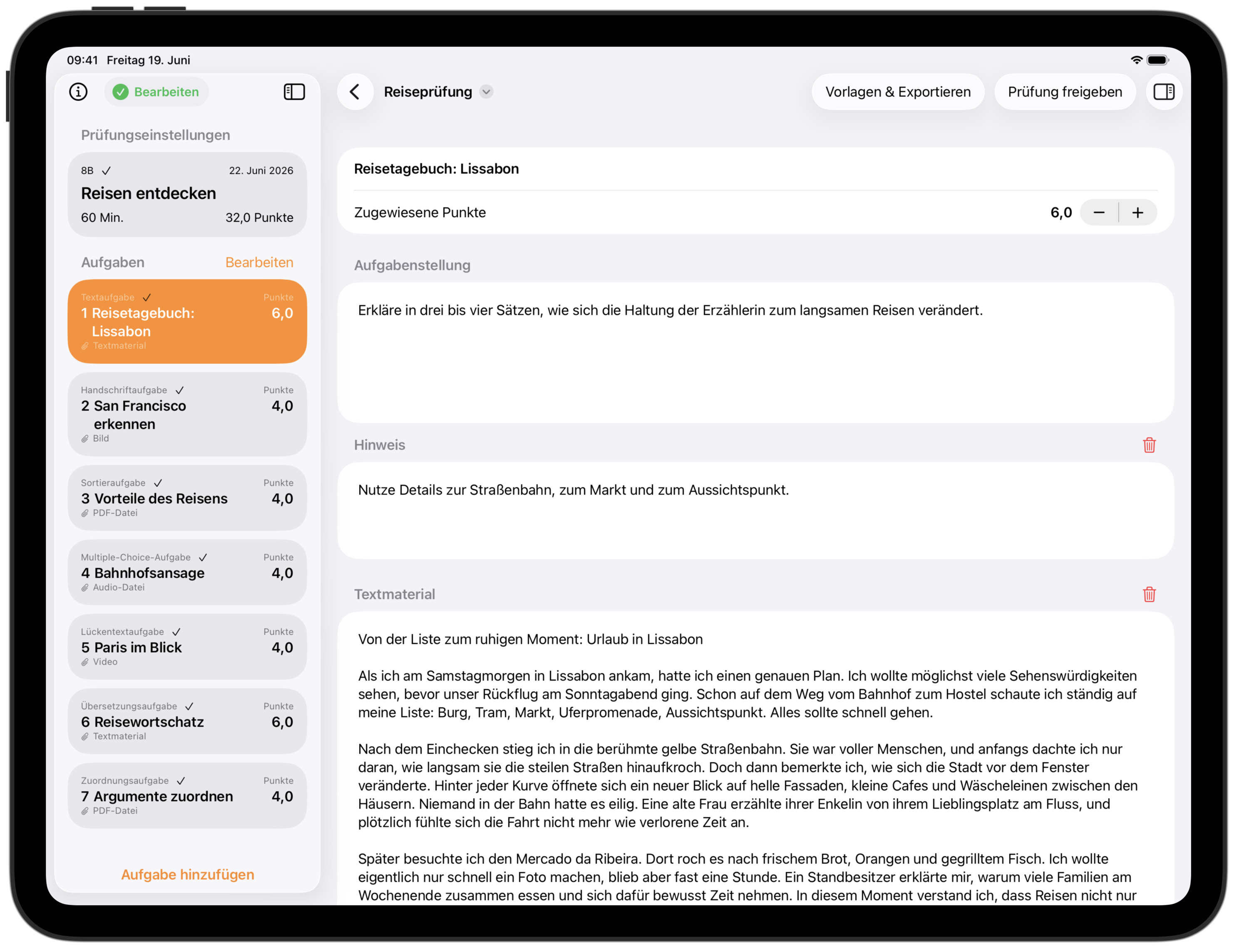
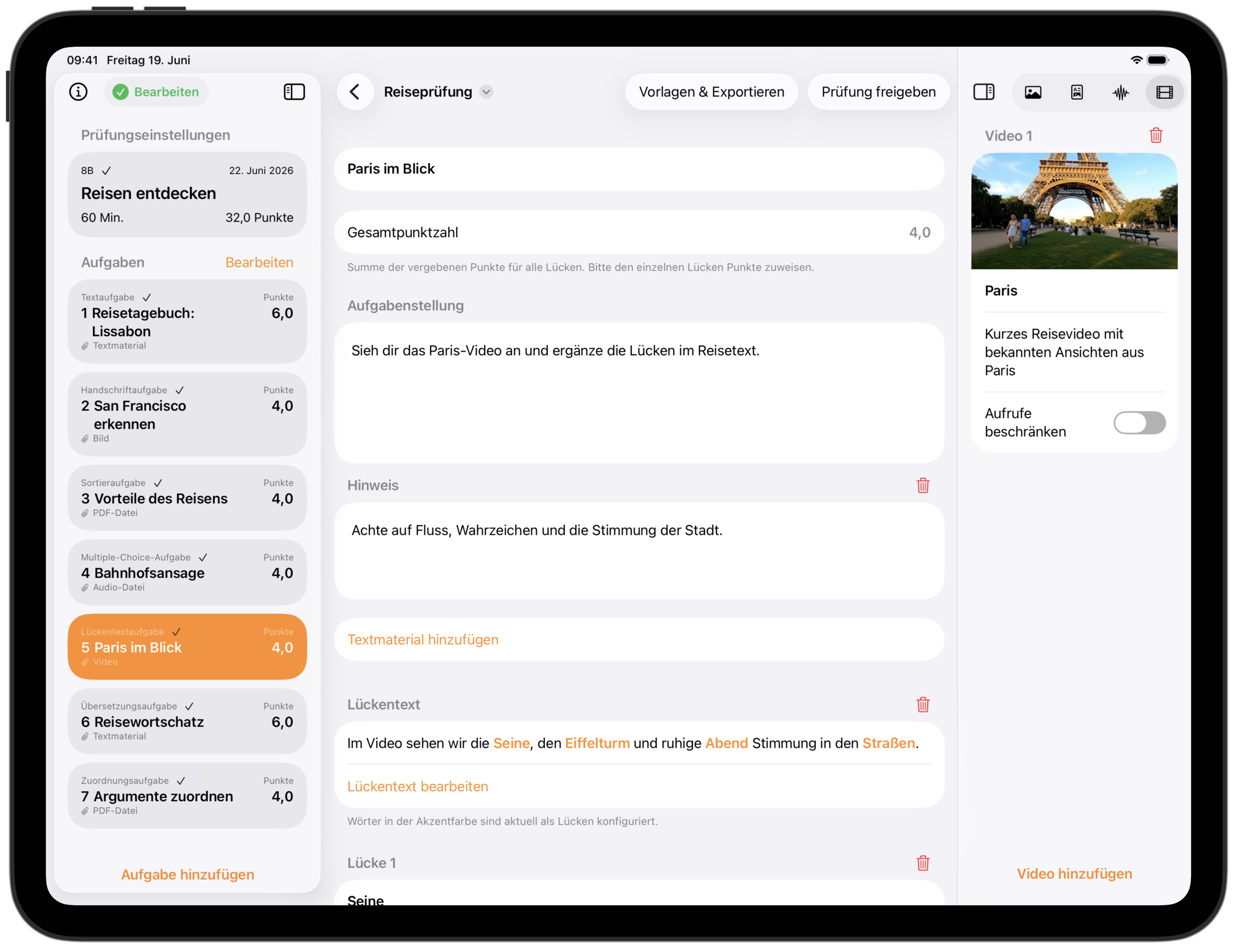
Create and Prepare
Teachers create exams using different question types and add all information required for delivery and grading.
- Combine questions and supporting materials flexibly
- Define points, hints, and grading schemes
- Reuse templates and custom grading schemes
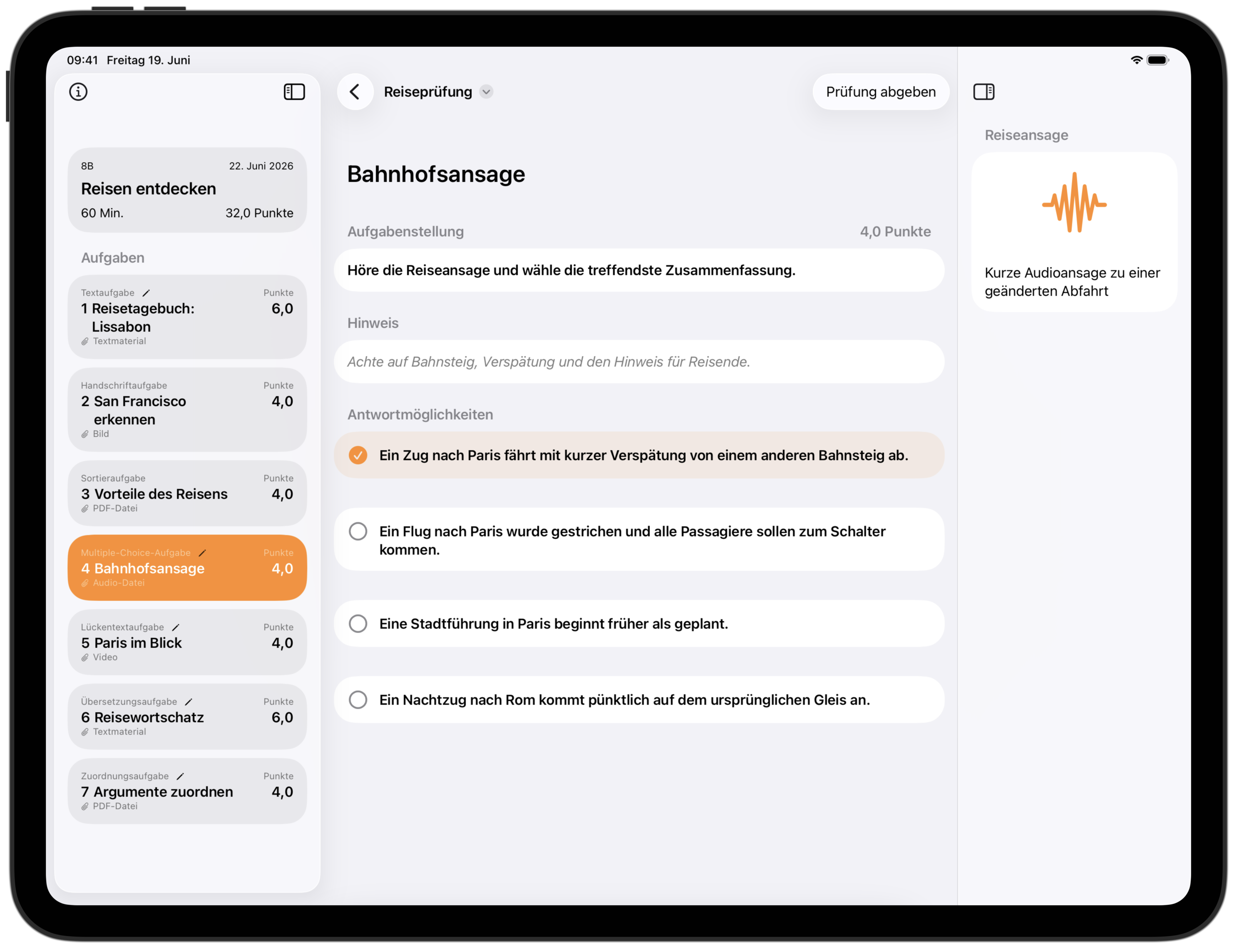
Take the Exam
Students complete the exam in a calm and focused environment with access to all provided materials and hints.
- Optional password protection before starting
- Automatic submission when a time limit is enabled
- Randomised question order if desired
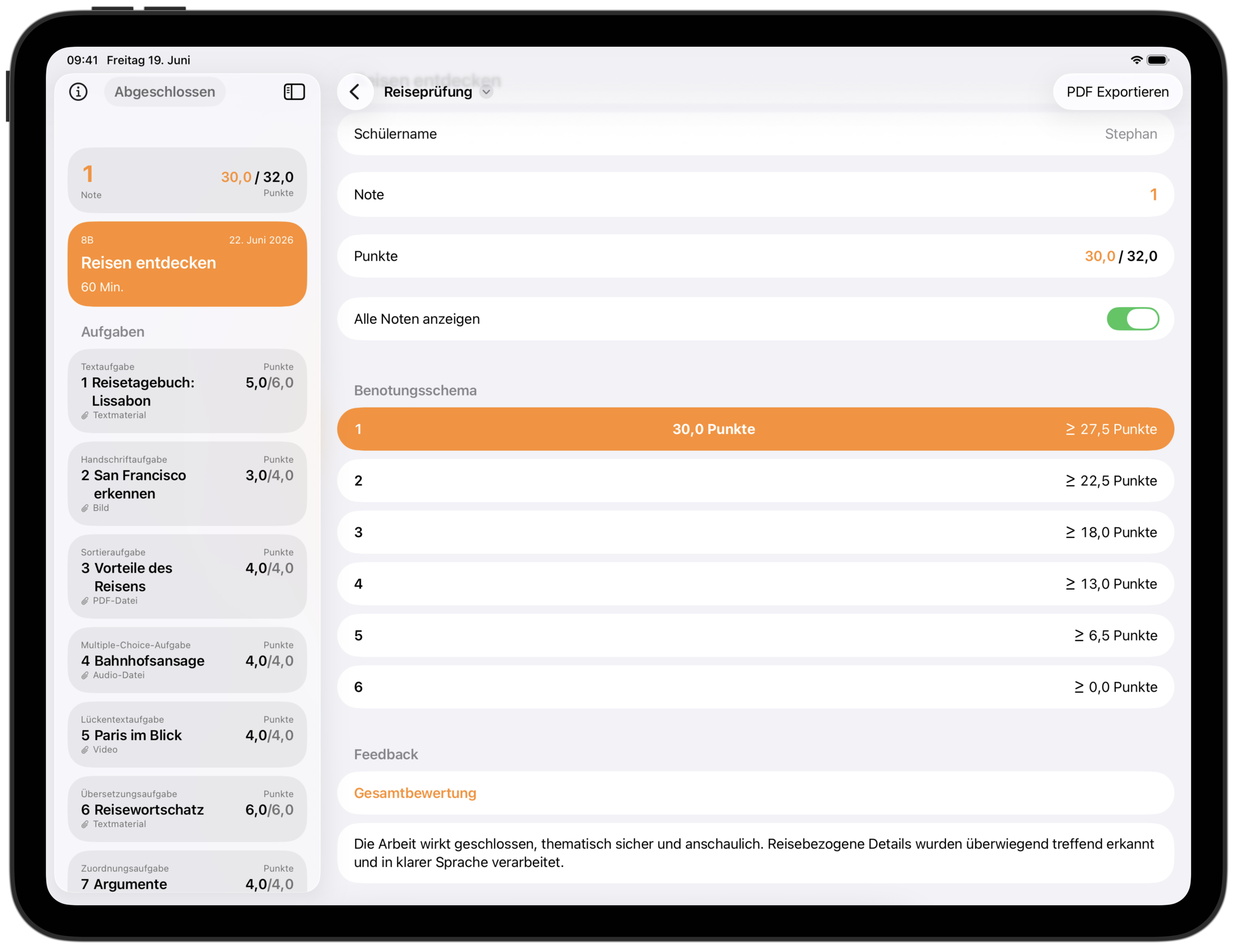
Grade and Provide Feedback
Points and feedback are recorded directly within each question. Grades are calculated automatically using the selected grading scheme and can be adjusted if needed.
- Question-specific and overall feedback
- Automatic grade calculation with manual adjustments
- PDF export for documentation and record keeping
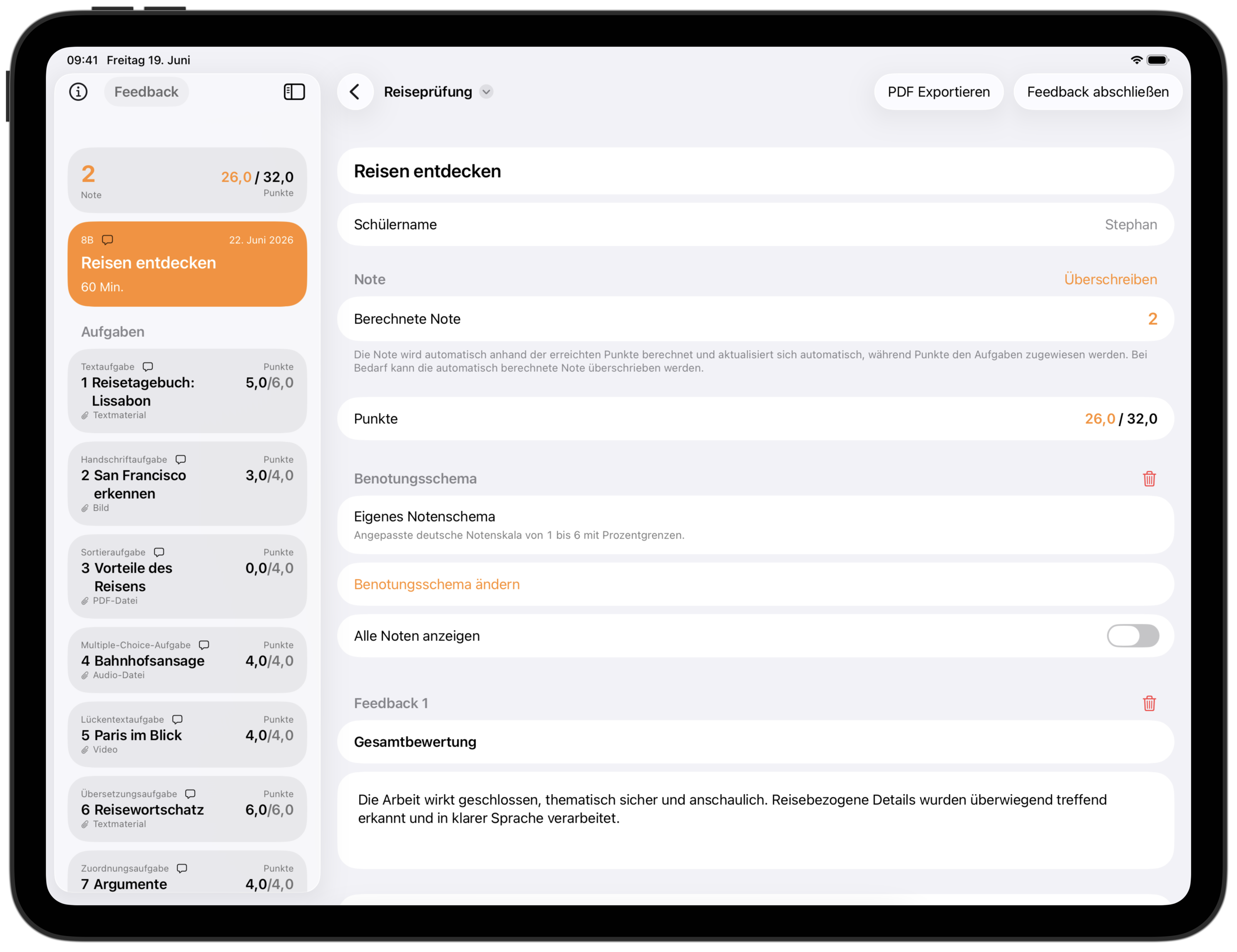
Final Results
Points, grades, and feedback are presented clearly. Completed exams can be archived or shared with students.
- Detailed results for every question
- Transparent access to grades and feedback
- PDF export for archiving or sharing